
Presets
Save an agent configuration so you can launch it consistently.
Why use a preset?
A preset records the agent, command flags, environment values, and restart policy you want to reuse. It can also provide a machine, working directory, and initial prompts. For example, a repository-review preset can launch Codex in your project with review instructions and explicit approval settings.
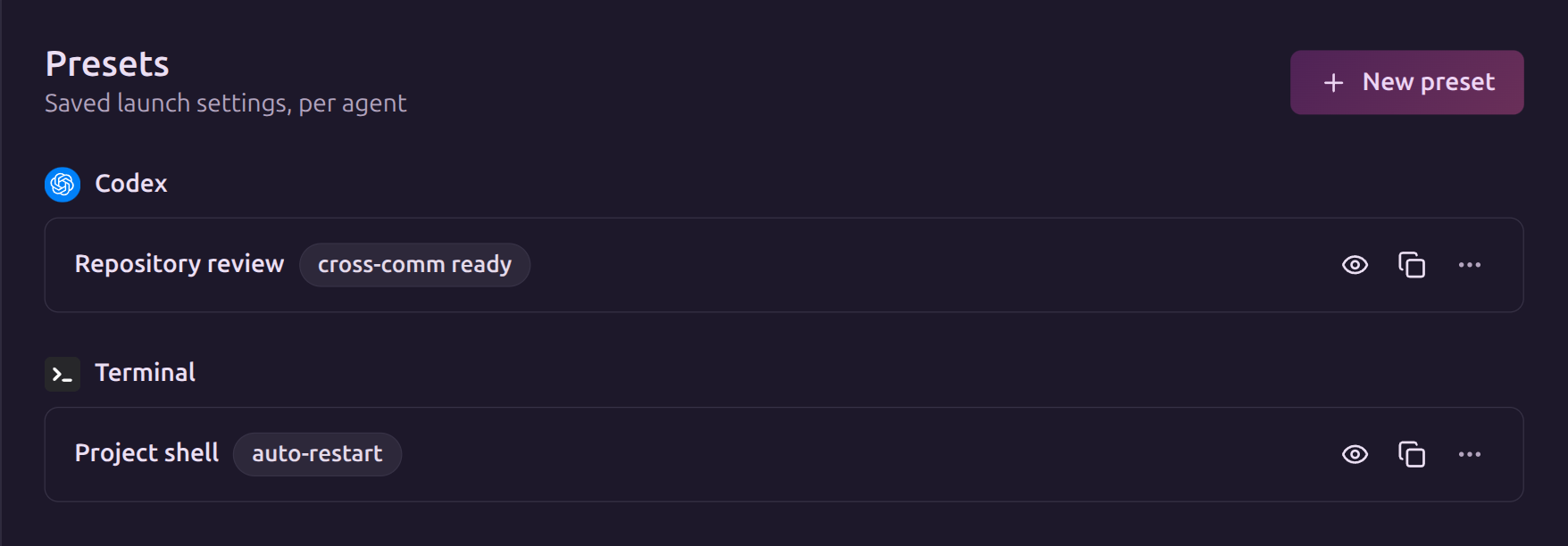
Presets belong to your account. Saving one does not install or authenticate the agent CLI; those steps happen on the machine where the session runs.
Choose a guide
- Create a preset saves a coding-agent configuration.
- Set launch defaults adds a machine, directory, and task text.
- Use and manage presets covers launches, edits, cloning, and agent-created helpers.
For the task text itself, use Reusable Prompts. A reusable prompt stores instructions; a preset stores how and where an agent starts.
What a preset changes
Saving a preset changes future launches that use it. It does not reconfigure a running process. Human launch forms prefill the saved defaults and let you review or override them.
For an existing subshell, follow Clone and switch presets to start with different settings.
Edit on GitHubLast updated on